
How to create an Apily API key
An API key lets your apps, scripts and coding tools call Apily models on your behalf. One key works with every model in the catalog, in both the OpenAI and Anthropic formats.
apily_…https://apily.pro/v1Before you start
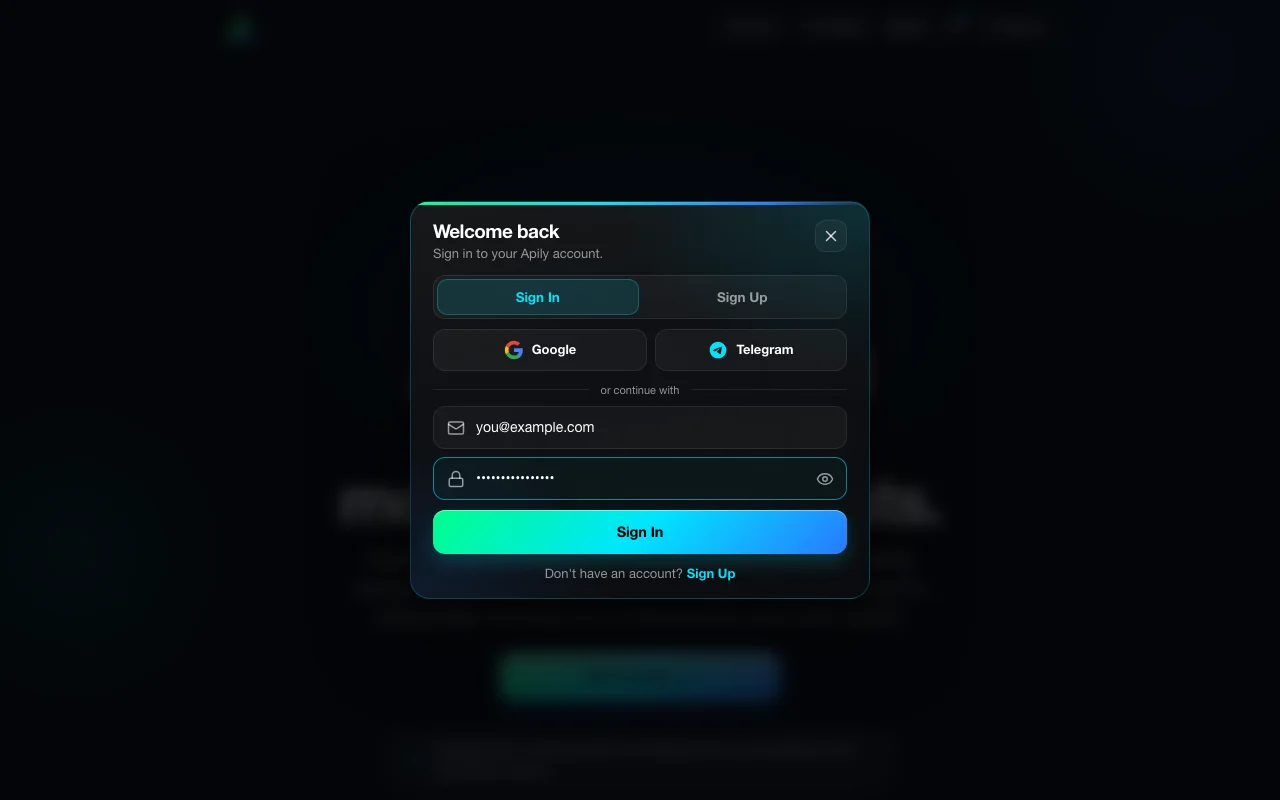
You need an Apily account. Sign in with Google, Telegram, or email and password. If you registered with email, confirm the address from the verification email first: until then, Apily won't create keys.
Create a key
- Click Sign In at the top of the page and sign in to your account.
- Open API Keys in the sidebar.
- Optionally, type a name in the Name field, for example the tool the key is for. You can rename the key later.
- Click Generate API Key. The new key appears in a card above your key list and is copied to the clipboard.
- Click Copy to copy the key again, then store it somewhere safe: a password manager or your tool's settings.
Use the key
Every client needs two values: the base URL https://apily.pro/v1 (it has a copy button at the top of the same page) and the key itself. Send the key in the Authorization: Bearer … header. A quick check that the key works:
curl https://apily.pro/v1/models \
  -H "Authorization: Bearer apily_your-api-key"
Requests are paid from your prepaid balance, so top up on the Billing page before your first model call.
Step-by-step setup for Claude Code, Codex, and other clients is in the integration guides.
Keep keys safe
- Create a separate key for each tool or project: then you can revoke one without breaking the others.
- To rename a key, click the pencil icon next to its name in My API Keys.
- To revoke a key, click the trash icon next to it. Requests with that key stop working at once and get
401 Invalid API key. - Never put a key in a public repository or in front-end code. If a key leaks, delete it and create a new one.
Common errors and how to fix them
| Symptom | Cause | Fix |
|---|---|---|
| Key creation fails with a message asking you to confirm your email | The account was registered with email, and the address isn't confirmed yet. | Open the link from the verification email or resend it from your profile, then create the key again. |
401 Invalid API key | Key copied with stray spaces, truncated, or revoked. | Copy the entire key from API in your Apily account, including the apily_ prefix, without extra spaces. |
402 Insufficient balance | Your token balance can't cover the request's estimated cost. | Top up your balance on the Billing page in your Apily account. |